
Your AI agent now books meetings into Cal.com team calendars and team event types. Before, Nedzo only saw your personal Cal.com calendar. Now every team event type on your connected account shows up, and your agent books into the one you pick.
If your team books through Cal.com team events, that gap hurt. Your AI agent could only see one person's calendar, so it couldn't send bookings to the team calendar where they belong. Now your AI receptionist books appointments on Cal.com for the whole team.
Cal.com team event types for AI booking
Say you run a home services company, and three estimators share a Cal.com team event. A caller asks your AI agent for a quote visit, and your agent books it into that team event.
How to set it up
- Connect Cal.com in Settings, under Integrations.
- Open your agent's Book a meeting action.
- Open the Calendar list. Your team event types now sit next to your personal ones.
- Pick the one you want.
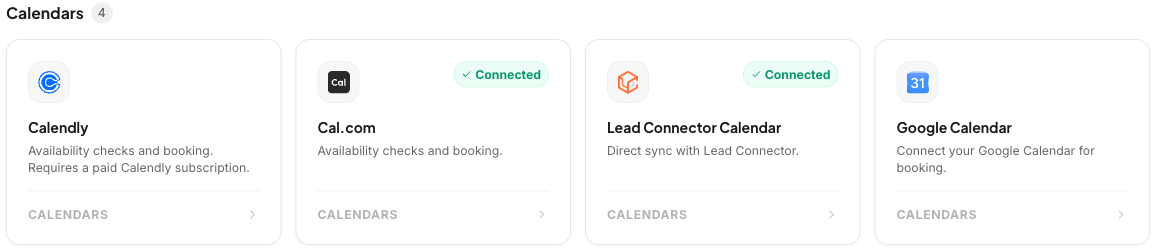
A cleaner calendar picker
The Calendar list now splits event types into two groups, with Personal first and Team second. Before, it was one long list where team calendars only had a "(team)" tag on the name. Now you can spot the right one at a glance.
This works for Cal.com and Calendly, the two calendar tools with teams. If you have no team calendars, or you use Google Calendar or LeadConnector, your list looks the same as before.
Start a free trial and connect your Cal.com account.